

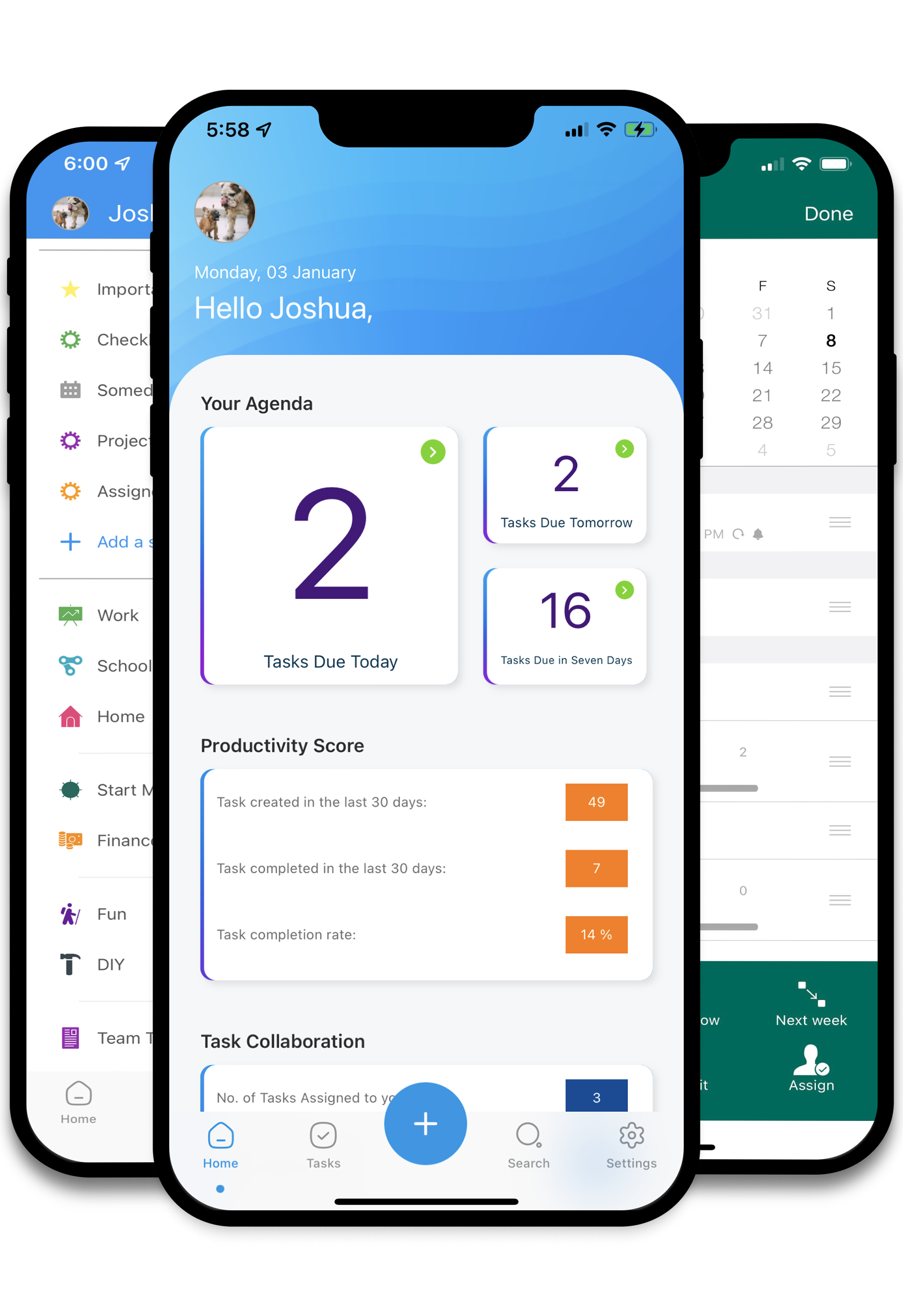
Track all of your stuff in one place. Forward email tasks. Create checklists. Build out your projects. Todo Cloud can handle it all.
Quality output will increase with Todo Cloud. View work by start/due date, owner or use lists, tags and smartlist filters to finish work.
With a system to track everything, you can relax when the day is done with less stress knowing Todo Cloud is tracking all your work.

Add, organize and plan your to-dos (e.g. due dates, priority, reminders, etc.), with simple gestures and from one view.

Built with “Getting Things Done” principles in mind, Todo Cloud keeps you focused on what’s most important.

Collaborate in teams – friends, couples, organizations, businesses, squadrons, etc. – Todo Cloud doesn’t discriminate.

View to-dos based on attributes like due dates, tags, who they’re assigned to and more.

Stay on task with reminders and alerts based on due date (May 2nd), time (2:00) and location (when I get home).

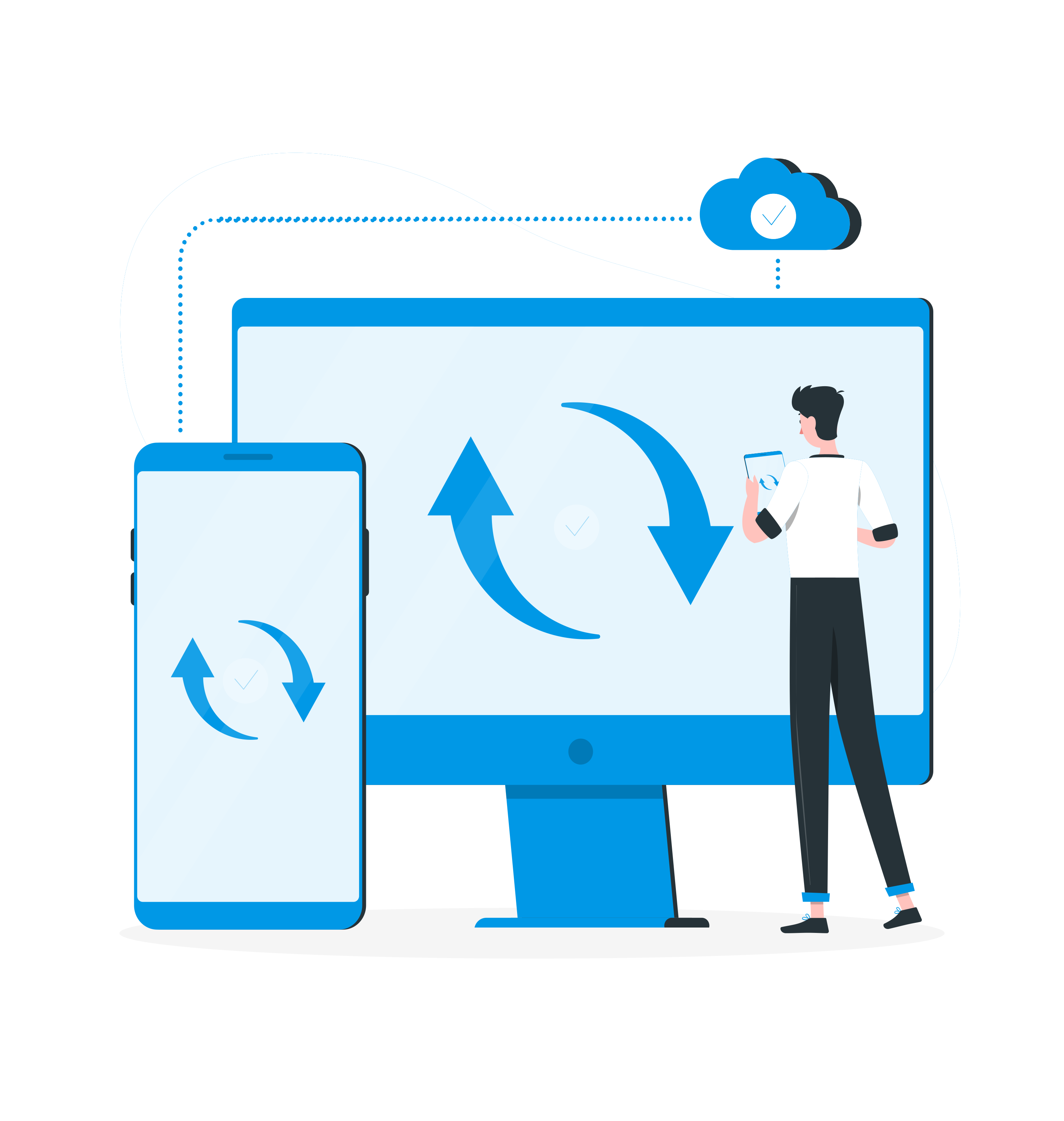
Sync and track to-dos across all your devices. Todo Cloud supports iPhone, Mac, Web, Android and Apple Watch.

View to-dos by due dates and assign/adjust start and due dates based on priority and workloads.

View your day with a quick summary of today’s to-dos, without unlocking your phone.

Deep control of to-do attributes – everything from a to-do’s priority to setting as many reminders as you want.

Lorem Ipsum is simply dummy text of the printing

There are many variations of passages of Lorem Ipsum

Where does it come from? Contrary to popular belief

Here are many variations of passages of Lorem Ipsum